
Introducing Promptpics: Professional AI Photo Editing Prompts – Now Live
Creating precise, consistent AI edits often takes tens of minutes per image just rewriting the same detailed instructions. Promptpics changes that. Professional prompt packs ready to customize from day one.
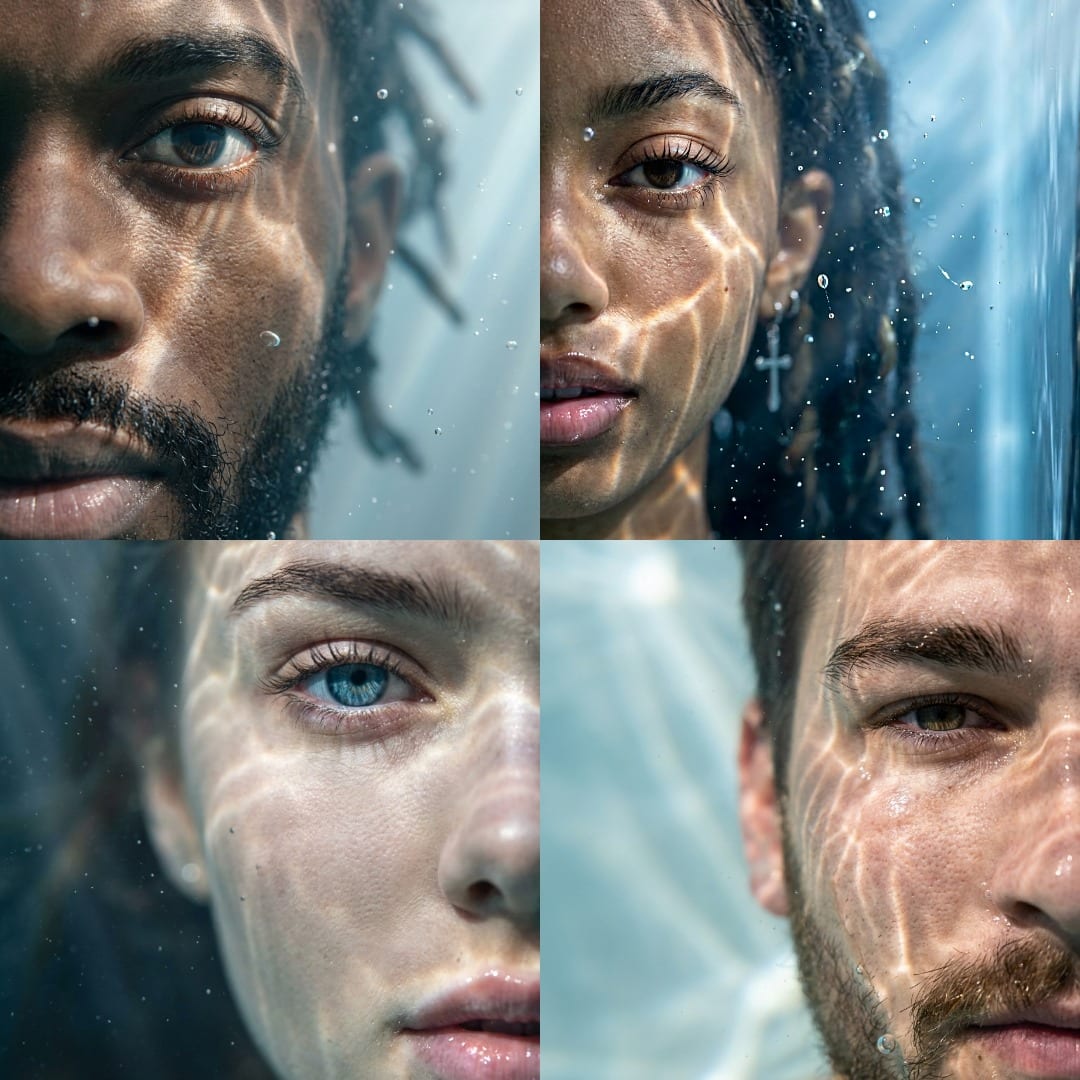
Introducing Promptpics: Smarter AI Photo Editing Starts Here
In 2026, AI image tools have become essential for creators - Adobe Firefly, Google Gemini Image, Pincel, Photoroom, Claid.ai, and others deliver powerful results. Yet one major frustration remains for photographers, content creators, and social media professionals:
Tens of minutes per edit are lost painstakingly rewriting near-identical, ultra-detailed prompts to achieve consistent, professional-quality outcomes.
Re-describing lighting direction, shadow behavior, edge blending rules, subject preservation, aspect ratio matching, photorealism requirements… every single time.
Promptpics was built to eliminate that repetition.
Promptpics.store is now live - a focused digital marketplace dedicated to AI-powered photo editing and image generation prompt toolkits. Designed for anyone who wants faster, more reliable results across popular AI editing and generation platforms.
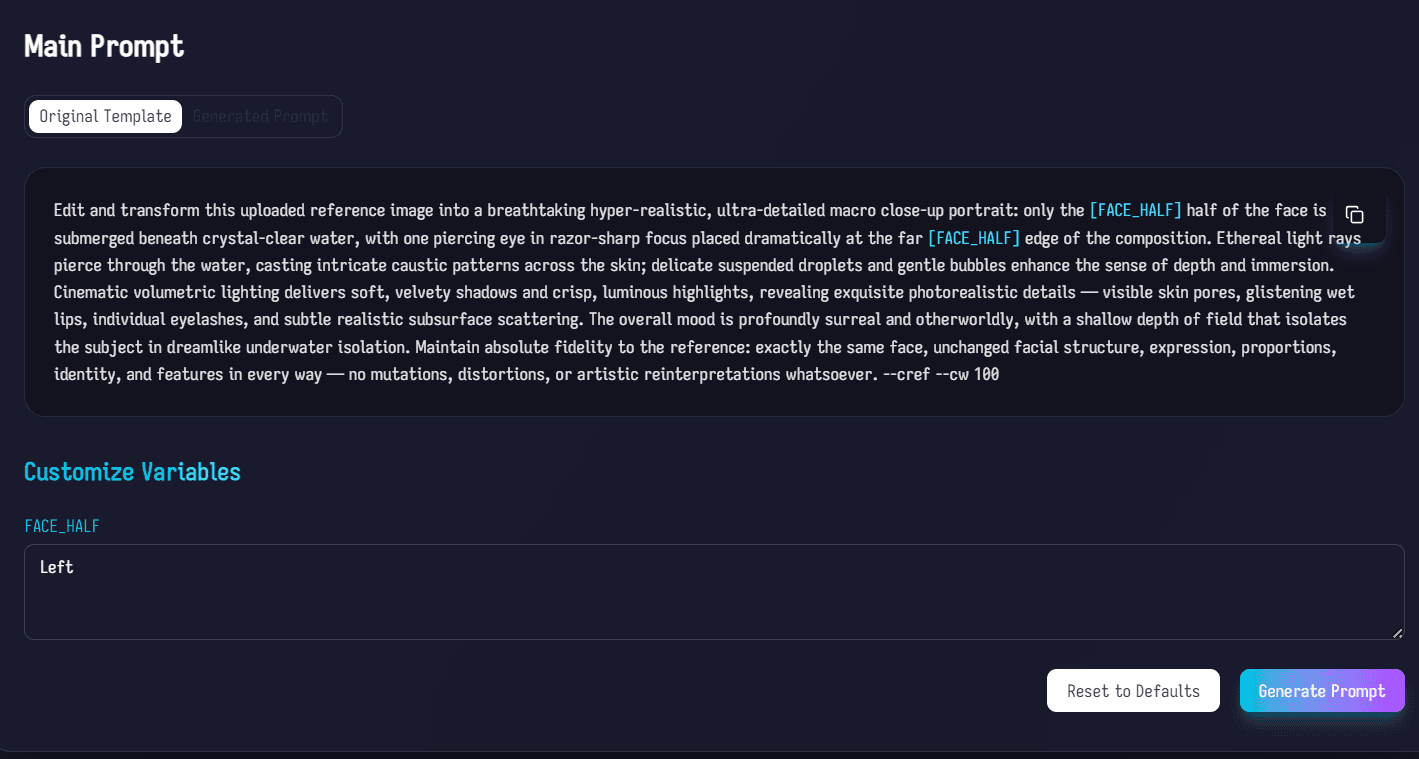
Why Repetitive Prompt Writing Slows You Down
Even with advanced AI models in 2026, getting professional-grade edits requires very specific instructions - especially when preserving identity, matching lighting perfectly, avoiding artifacts, or ensuring seamless composites.
Writing (and refining) those long, technical prompts from scratch adds up quickly:
- Background replacement while keeping the subject 100% unchanged
- Consistent portrait retouching across an entire session
- Product photography cleanup with accurate shadows and reflections
- Mobile-style influencer edits in Lightroom Mobile or similar apps
Each time you start over, you rebuild the same guardrails. That time compounds - stealing focus from creativity and delivery.
Promptpics solves this by providing pre-crafted, battle-tested prompt templates with smart variable placeholders. Fill in your specifics once, generate a precise prompt instantly, copy → paste → edit.
How Promptpics Works – Simple, Fast, Effective
- Browse free or paid prompt packs at promptpics.store/explore
- Choose a template (e.g. “Precise Background Replacement – Subject Preservation”)
- Fill in variables (e.g. background description, aspect ratio)
- Click “Generate Prompt” → get a fully formed, optimized instruction ready for your AI tool
- Copy and use - add favorites to your library for later